When You Don't Know What to Measure: Defining Dealer Churn Risk with Pack Wizard
Picture an automotive parts distributor managing more than 7,000 dealer locations. Your regional managers talk to dealers every month and leave a free-text note in the CRM; your support team logs complaints coming in from dealers. You have the data — but you don't have a clear answer to one question: what criteria should you actually score against?
This is the situation HuMetric runs into most often. We already have two example packs: one extracts dealer operational quality from field visit notes (Turning Dealer Visit Notes into Automatic Performance Scores), another measures wholesaler supply performance. But there's a different question neither of those answers: is our relationship with this dealer deteriorating — are we about to lose them? Neither visit quality nor supply performance captures that — it needs a different signal set: tone in CRM notes, complaint density, payment discipline.
This is exactly where Pack Wizard comes in: you don't have to define the metrics yourself — an agent defines them with you, doing its own research when it needs to.
Starting from the Packs screen
The dashboard's "Packs" tab already shows the packs live in this workspace. We click "New pack" to open the wizard.
Step 1 — Start: answer a few questions
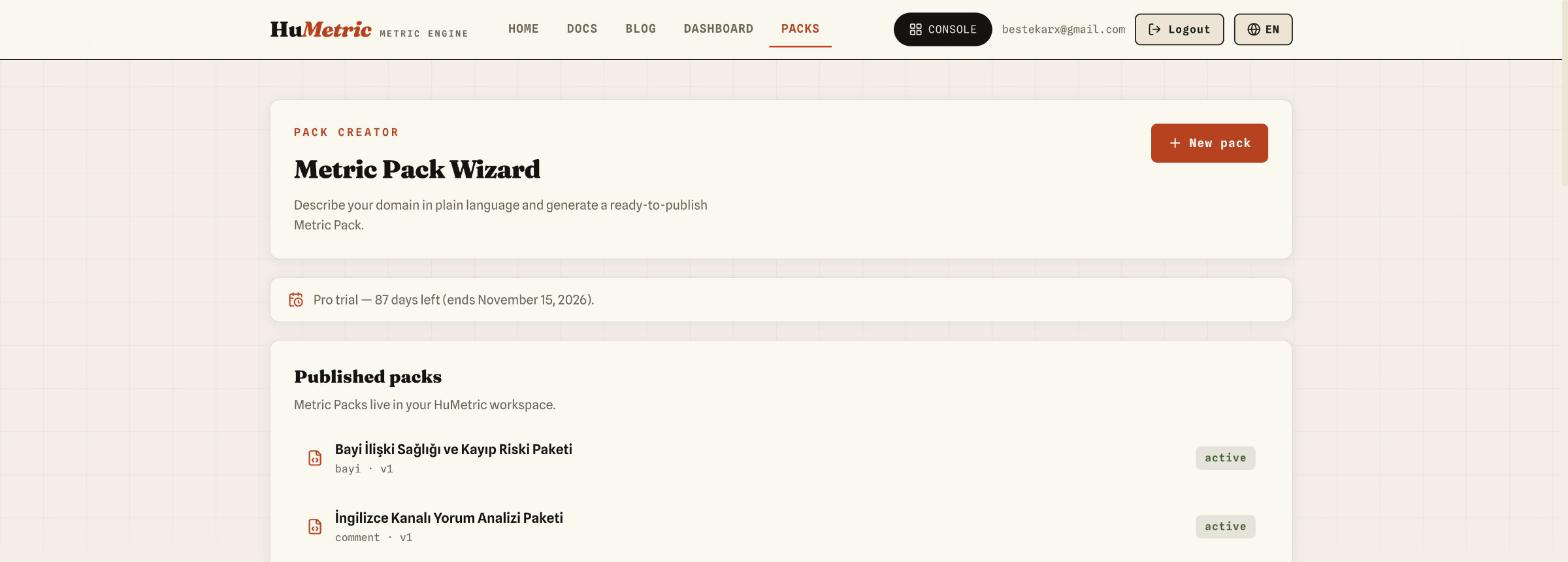
The wizard's first step asks about your sector, what you want to measure, where the data comes from, and your priorities. We deliberately pick "I know what to measure" — we know it's the dealer — but the description box spells out exactly what's unclear: "I know it's the dealer, but I don't know what criteria to score against." We mark CRM as the data source, Satisfaction, Collaboration, and Reliability as the top criteria, and Alerting/Anomaly Detection as the use case — because what we actually want is an early warning.
Step 2 — Describe: giving the agent context
Here, in "Let the agent write it" mode, we fill three tabs one at a time.
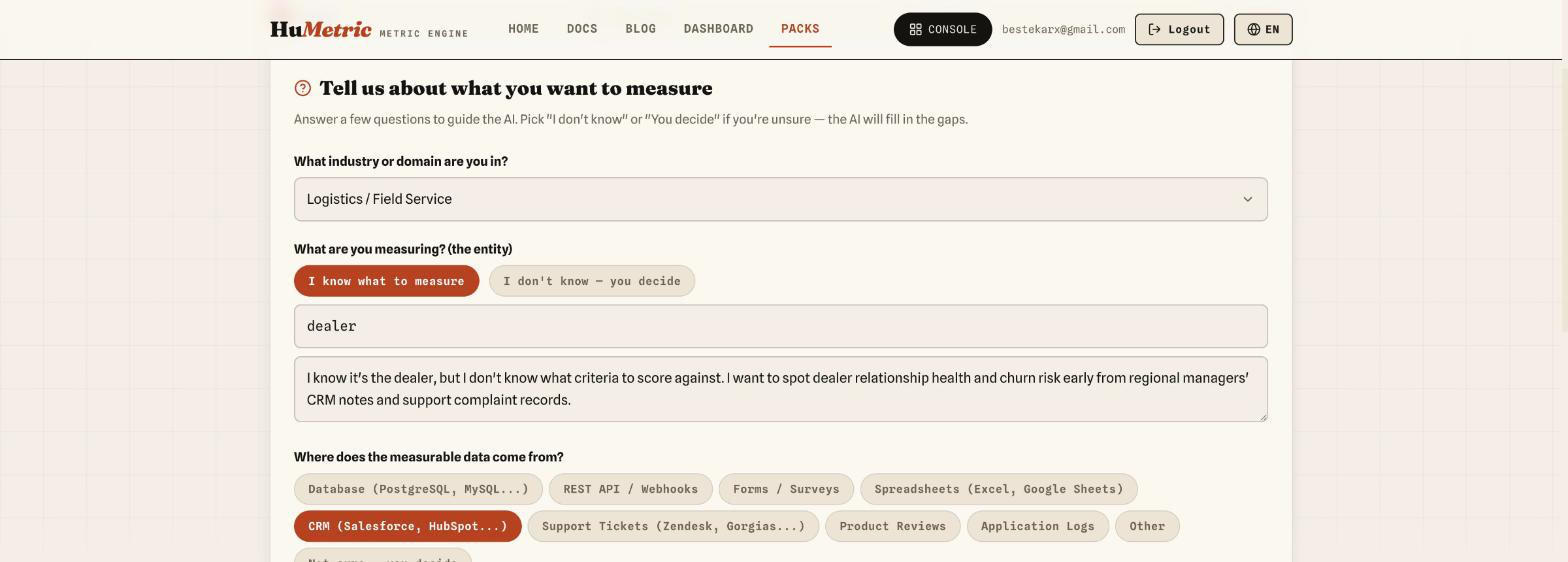
The Description tab gets a free-text paragraph with a real CRM-note example:
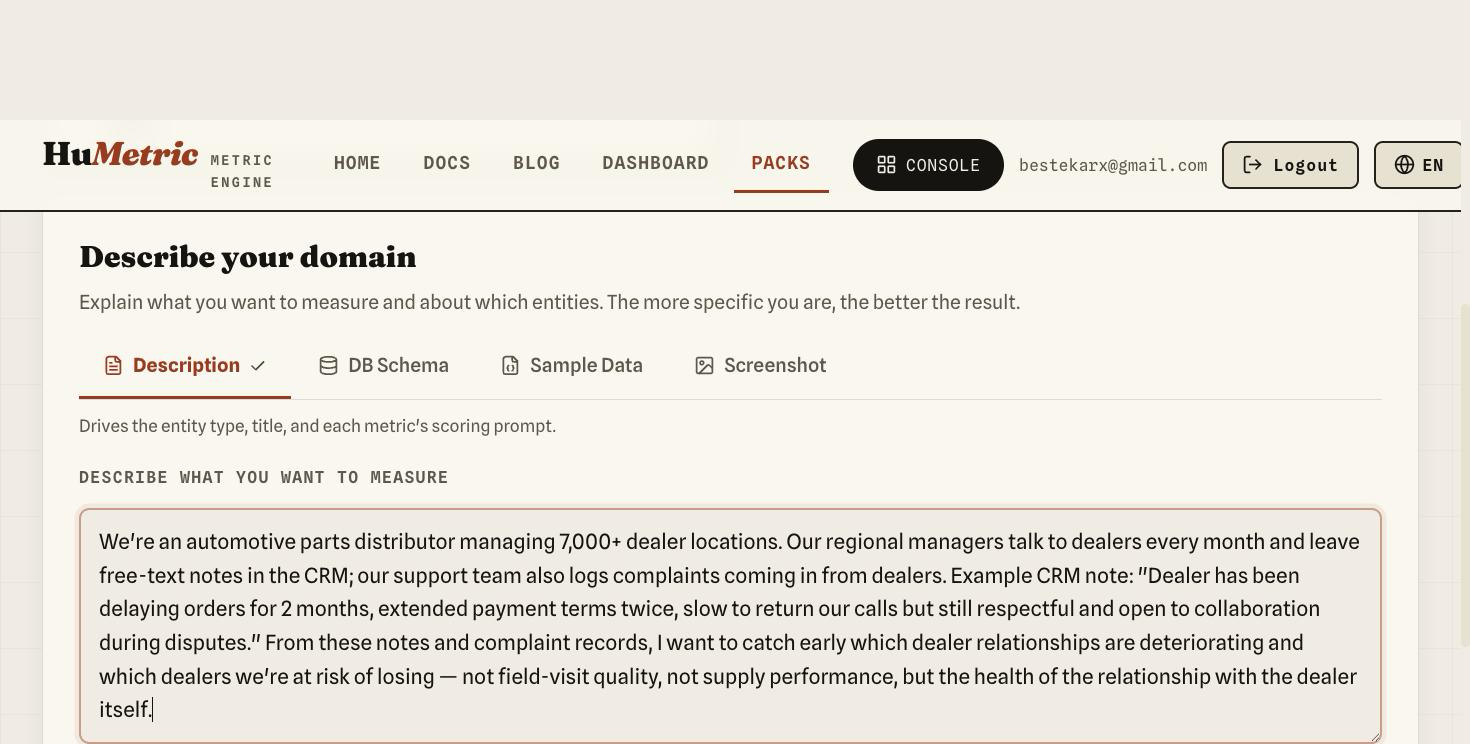
The DB Schema tab gets a simple dealer table definition — dealer
code, region, CRM note, open complaint count, payment delay days:
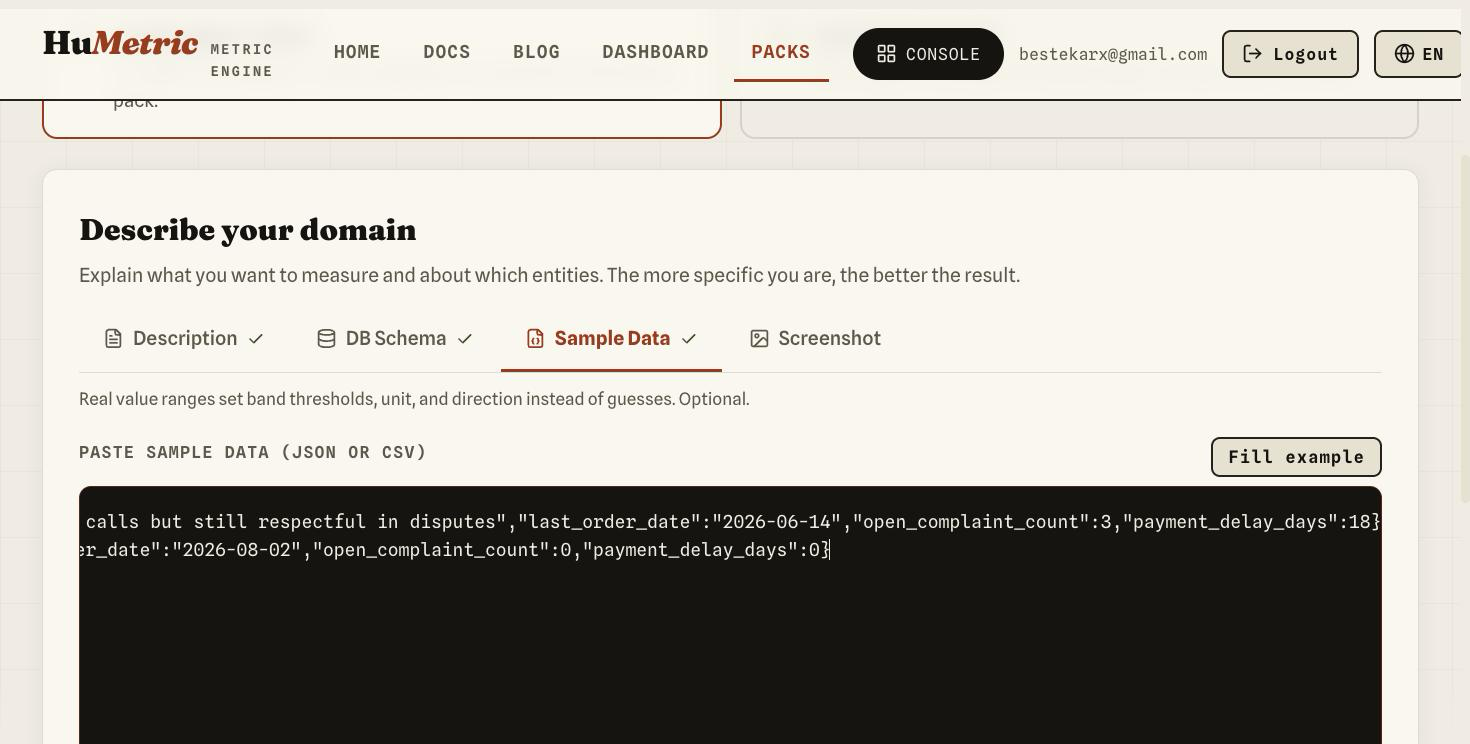
The Sample Data tab gets a couple of rows of realistic JSON. We leave the Screenshot tab empty for this scenario — the three text tabs already give the agent enough context:
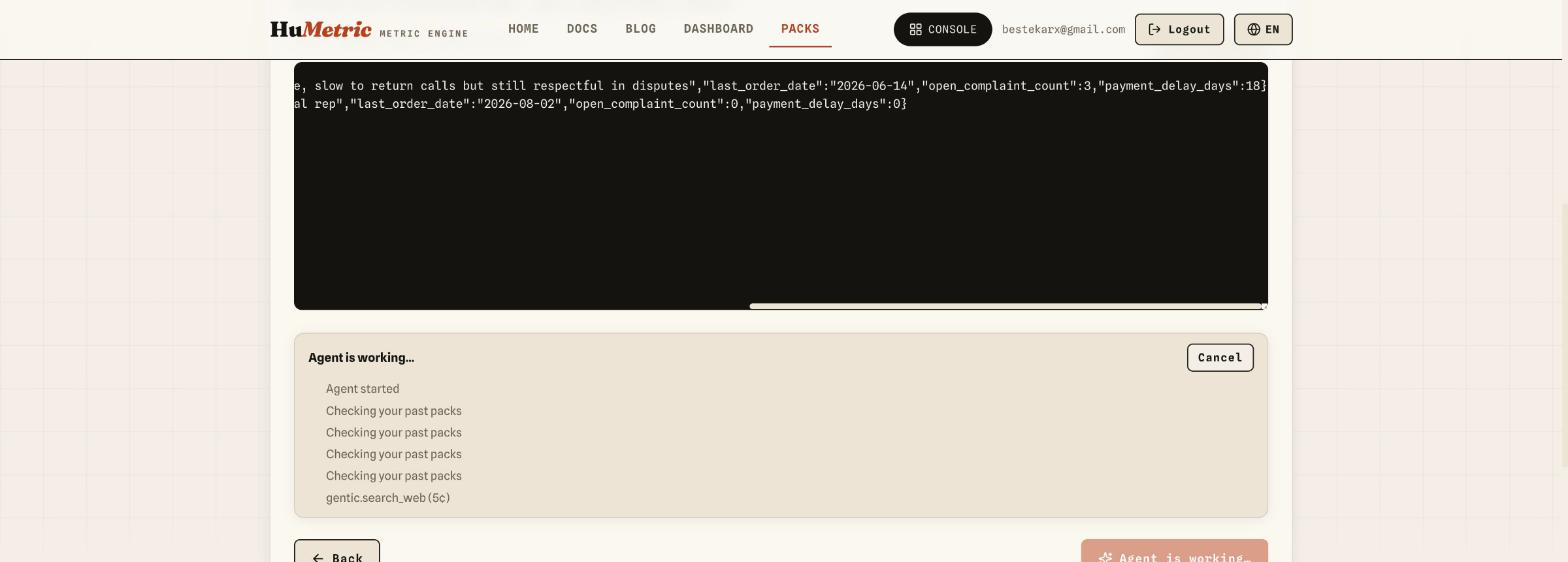
The moment we click "Generate pack," the actual agentic part kicks in:
the agent first checks your existing packs (to avoid overlap), then
pulls sources on dealer-churn indicators with Gentic's research tool
(gentic.search_web). These steps stream live:
Step 3 — Review: see the pack, its reasoning, and its sources
The agent doesn't just hand you a YAML file here — it critiques the
pack it just produced and shows what it looked up externally. This run
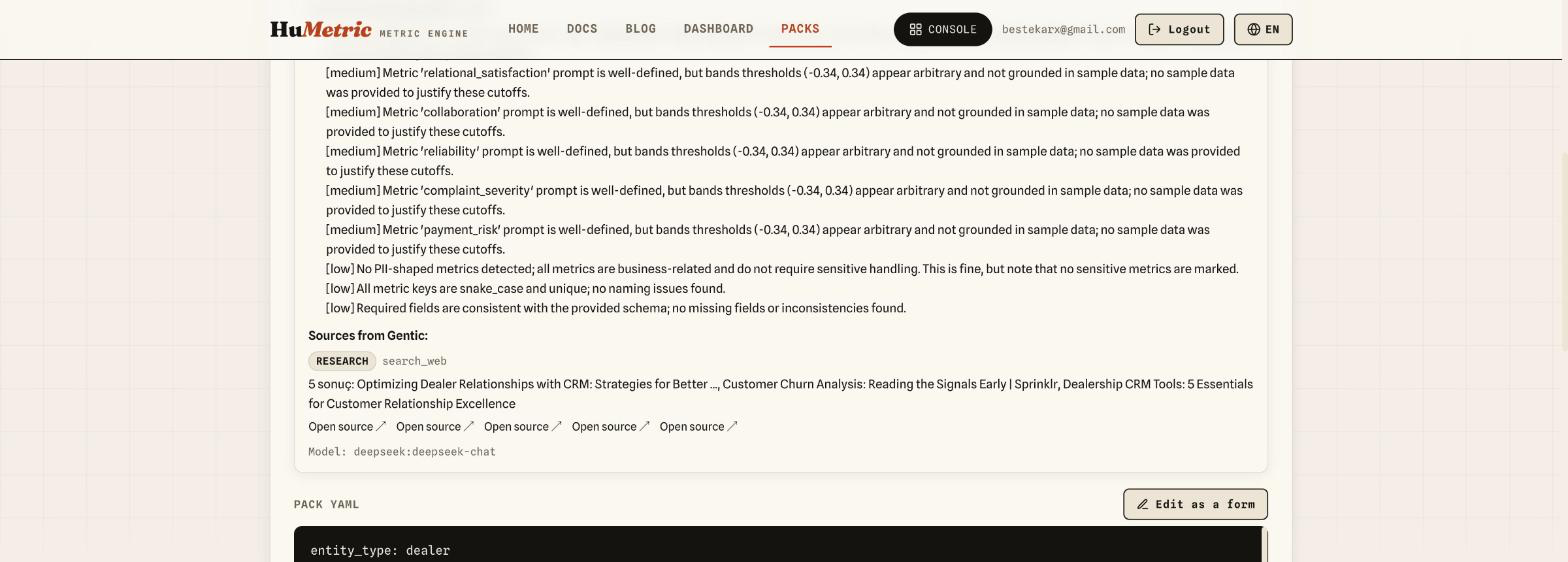
came back with a self-review score of 85%, and the "Sources from
Gentic" panel lists results Gentic's search_web tool actually found —
real articles on dealer-relationship and churn signals, including
AutoRaptor's guide to dealership CRM
essentials
and Sprinklr's piece on reading churn signals
early. The
agent also lists the weak points it found in its own draft — for
instance, flagging that the band thresholds are grounded in generic
assumptions rather than real data ranges, since no sample data was given
to justify them. That transparency lets you review and edit instead of
blindly publishing.
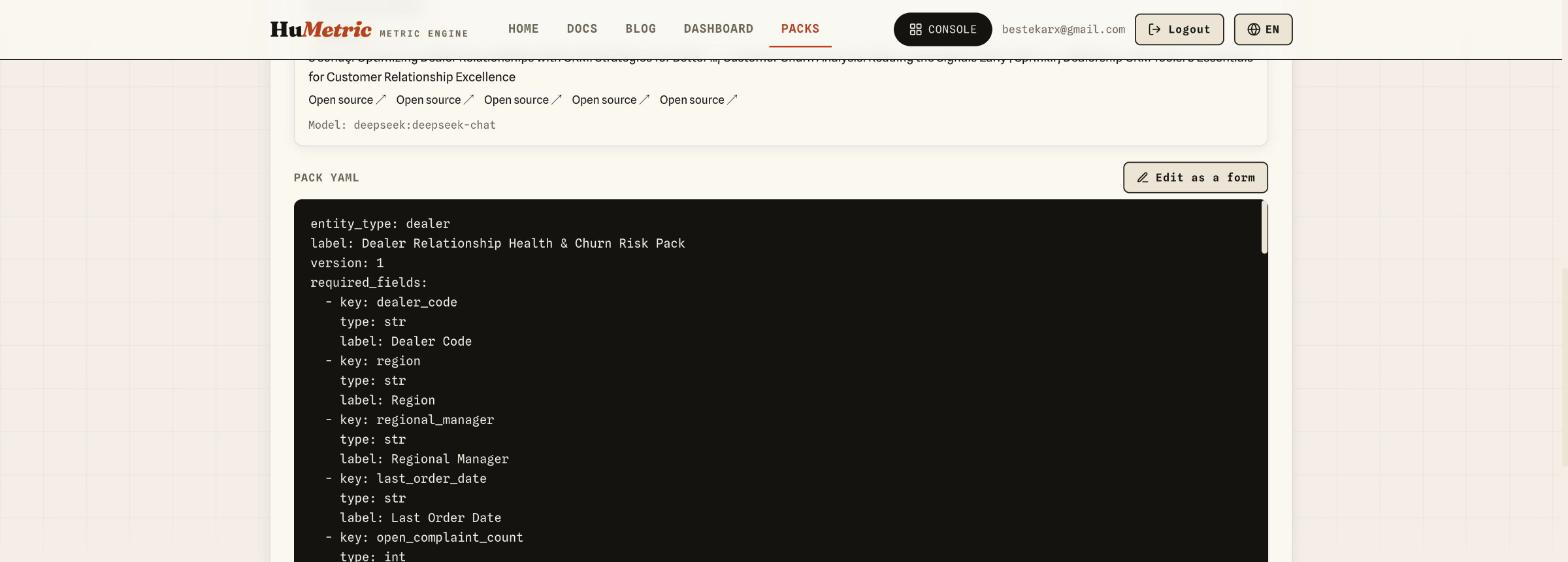
The generated pack defines entity_type: dealer with six metrics:
churn_risk (the primary risk metric), relational_satisfaction,
collaboration, reliability, complaint_severity, and
payment_risk. Each metric has its own prompt, direction
(higher_is_better / lower_is_better), and band thresholds — all
generated from scratch, from a single paragraph and a few rows of sample
data.
Step 4 — Publish
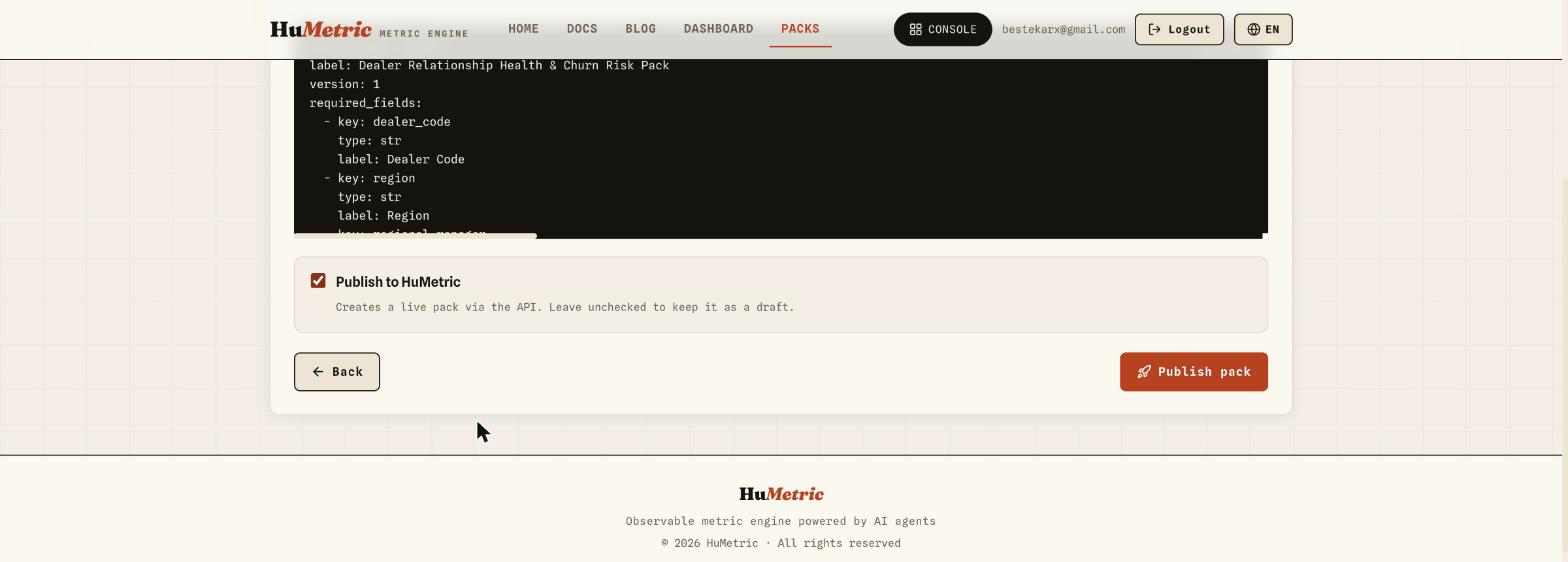
In the last step, we check "Publish to HuMetric" to make the pack live. Leave it unchecked and it stays a draft — you can come back and edit it any time.
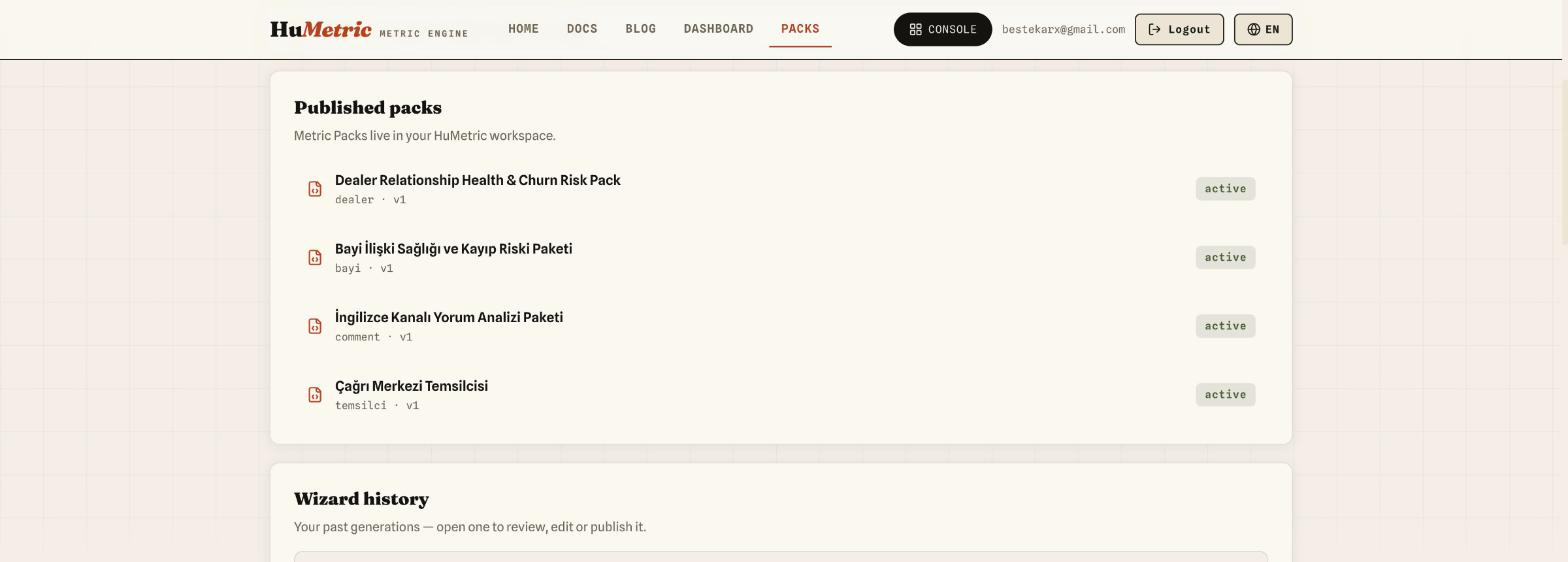
After publishing, "Dealer Relationship Health & Churn Risk Pack" shows up active in the Packs list, alongside this workspace's other packs:
What does this pack actually do?
The published pack works exactly like any hand-written Metric Pack. When a regional manager submits a CRM note as a signal:
- The extractor turns the note into candidates for the six metrics the pack defines — only keys defined in the pack are ever produced, never invented ones. Which model actually runs isn't fixed: the extractor runs on whatever LLM provider the tenant has connected (DeepSeek, in this account's case), falling back to the platform's default Anthropic model only if no BYOK key is set.
- The curator merges those candidates with the dealer's historical
profile and calibrates them — but this isn't an LLM call, it's a
deterministic formula (a confidence-weighted average). A single bad
note doesn't snap
churn_riskstraight to 1, because the merge rule is a calculation, not a judgment call. - The result is a metric profile that decays over time (temporal decay) and always ships with a confidence value — a dealer flagged "high risk" three months ago doesn't stay red forever if no new signal arrives; it drifts toward uncertainty instead.
In short: Pack Wizard's output isn't a demo — it's a real Metric Pack that plugs directly into the rest of the extractor/curator/decay chain. The difference is that you no longer need to know the YAML schema by heart to get there — a paragraph describing the problem, a few rows of sample data, and the agent's own research (via Gentic) are enough.